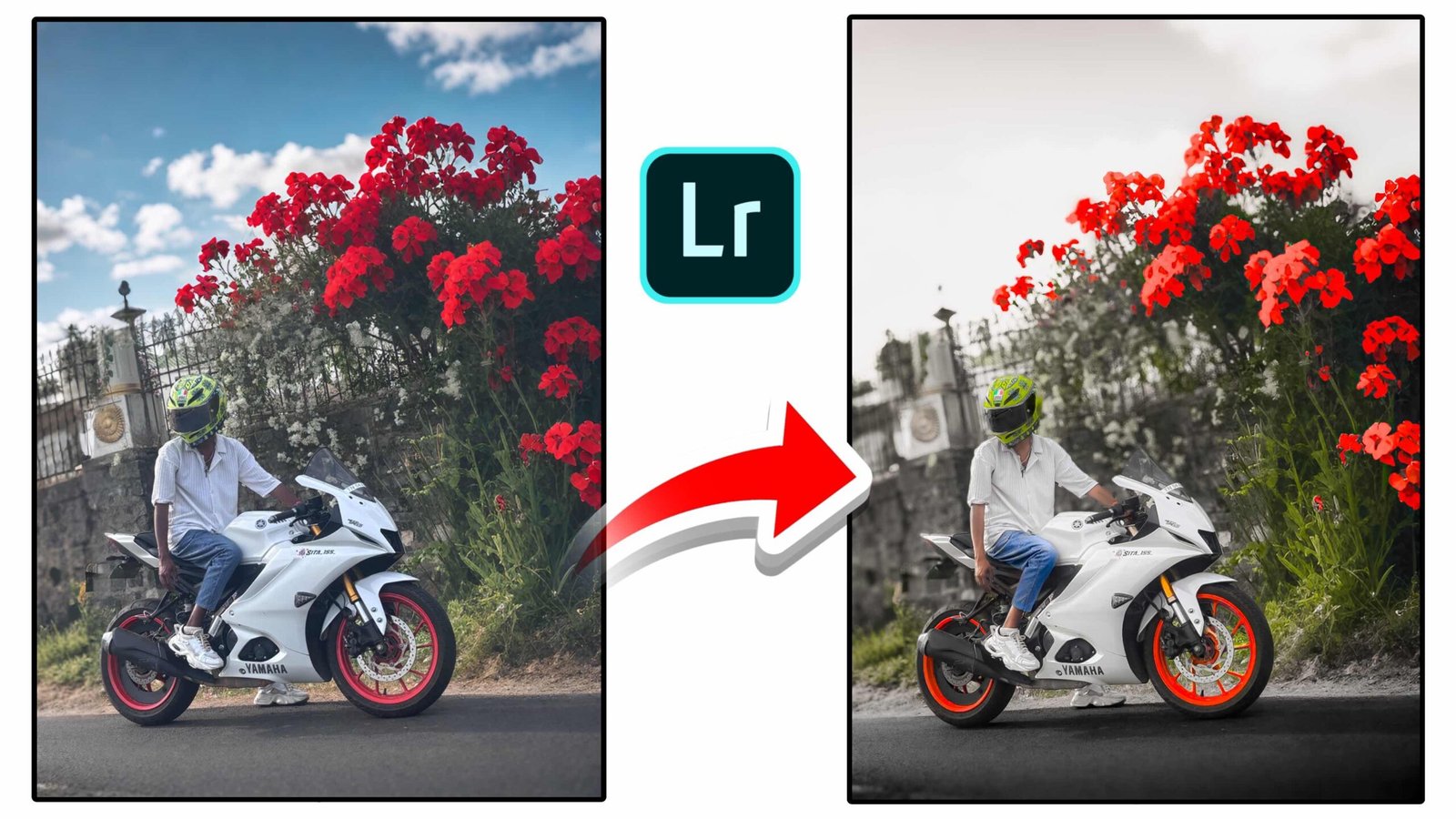
Lightroom Red Flower Edit | Professional Photo Editing Tutorial
Photo editing has become an essential part of modern photography, especially for creators who want their pictures to stand out on platforms like Instagram, YouTube, and social media. With the help of Adobe Lightroom, anyone can transform a normal photo into a cinematic and professional-looking image. In this guide, we will explain how to achieve a stunning edit where the red flowers remain vibrant while the background becomes soft and dramatic.
Why Lightroom is Perfect for Photo Editing
Lightroom is one of the most powerful photo editing tools available today. It provides advanced color control, lighting adjustments, and professional filters that allow photographers to create unique visual styles. Whether you are editing photos from a DSLR camera or a smartphone, Lightroom helps enhance every detail of your image.
One of the biggest advantages of Lightroom is its ability to control colors individually. This means you can highlight specific colors such as red flowers while reducing the saturation of other parts of the image. This technique helps create a cinematic effect that looks professional and eye-catching.
Understanding the Editing Style
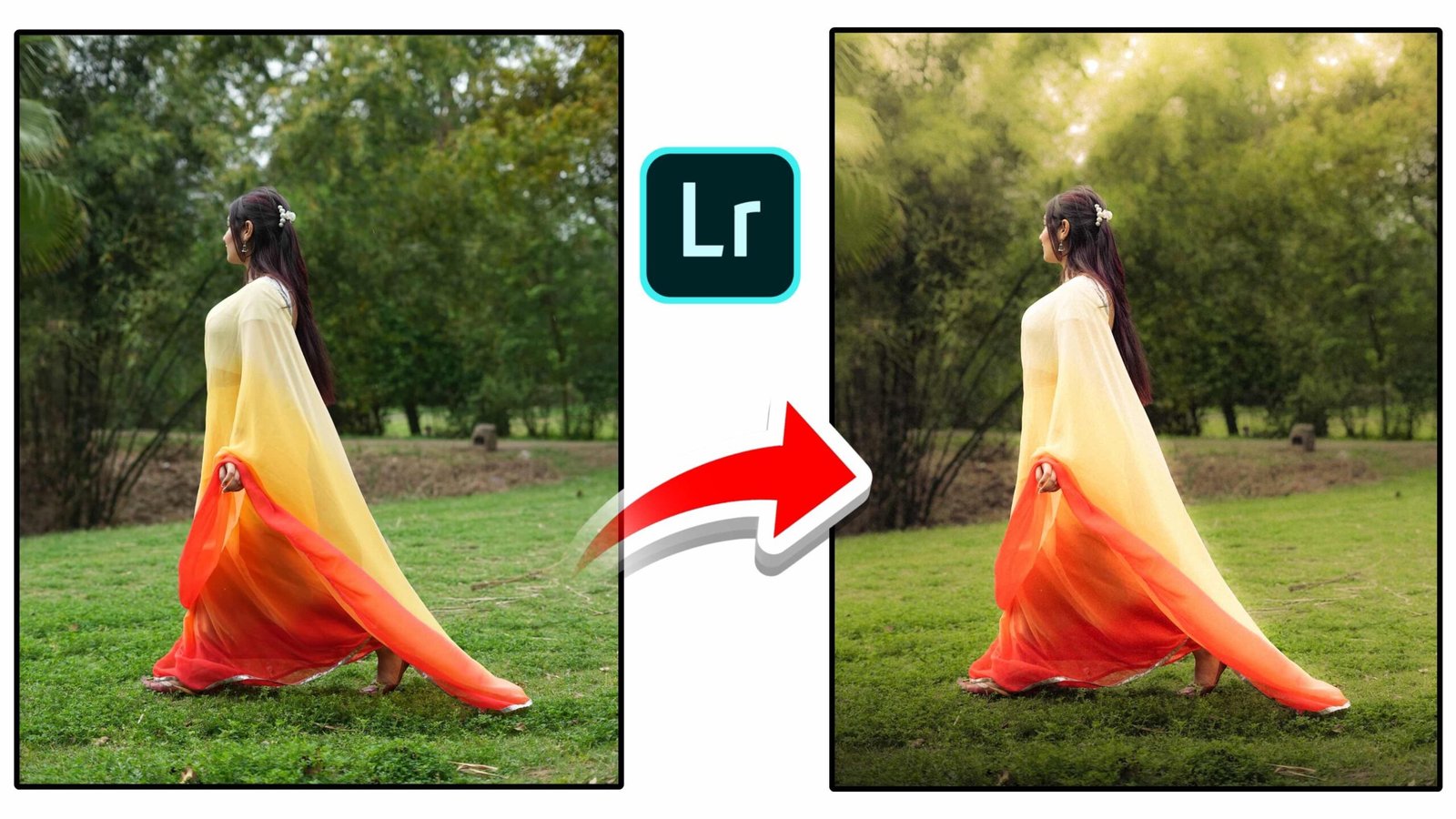
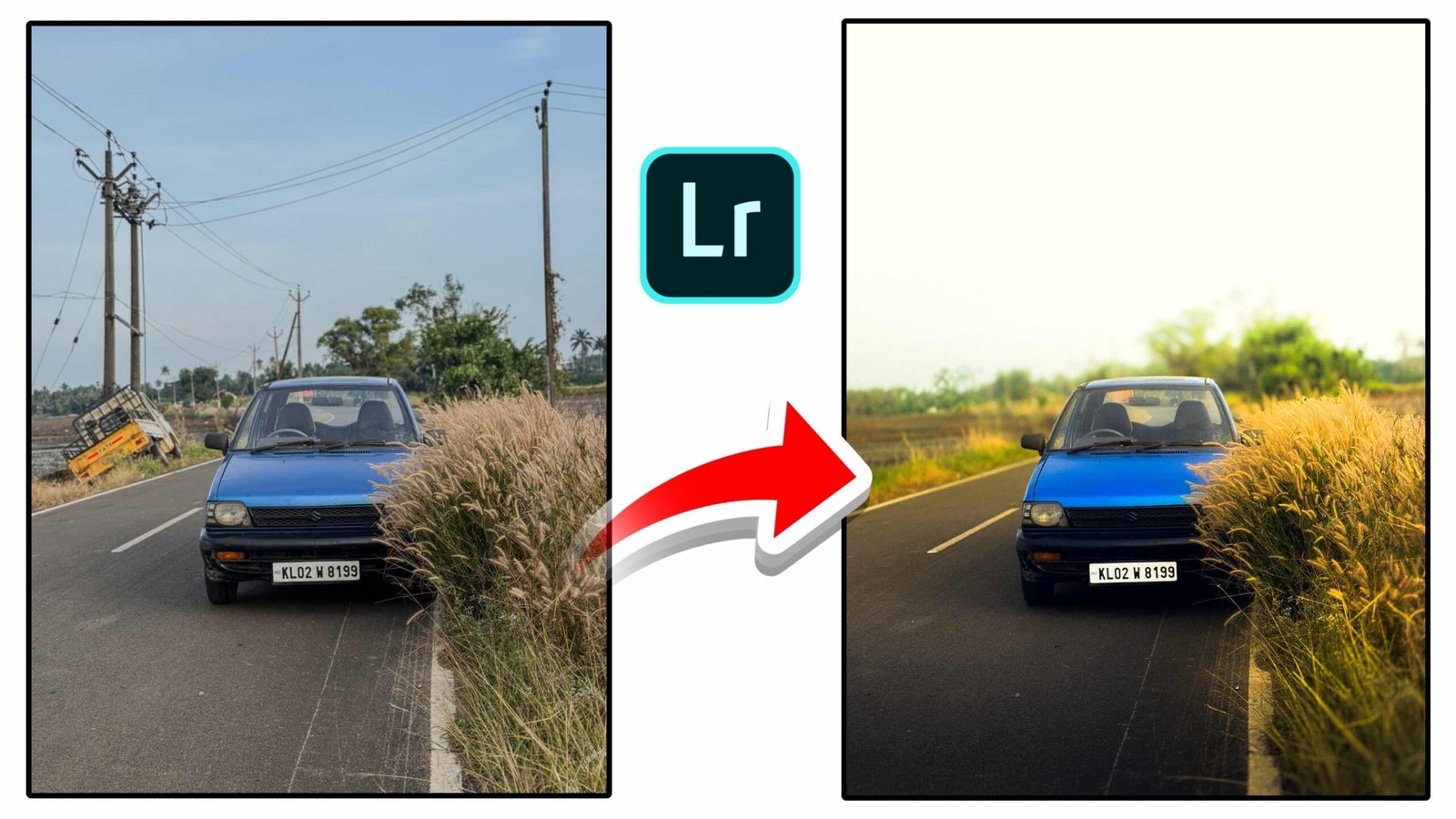
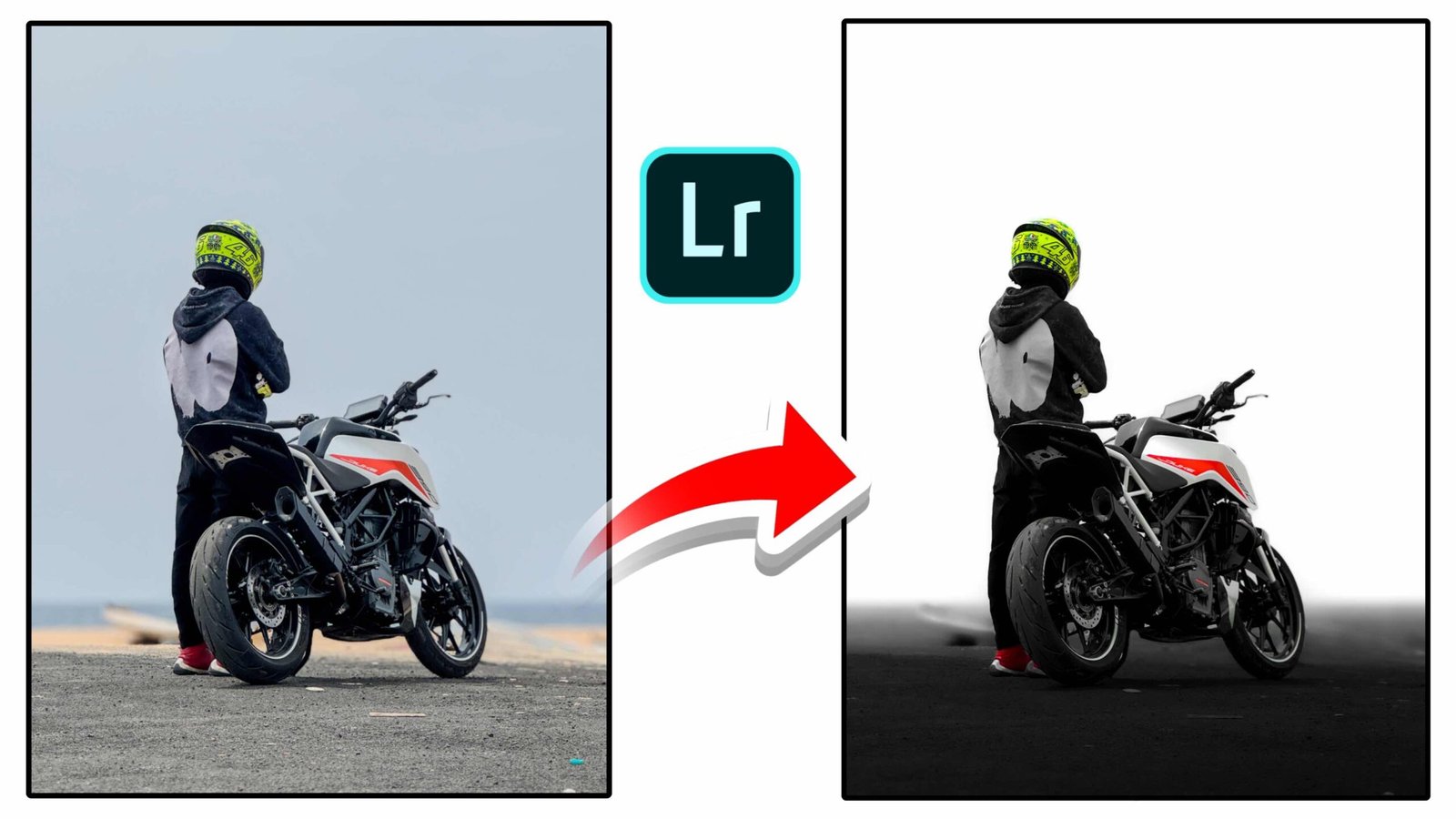
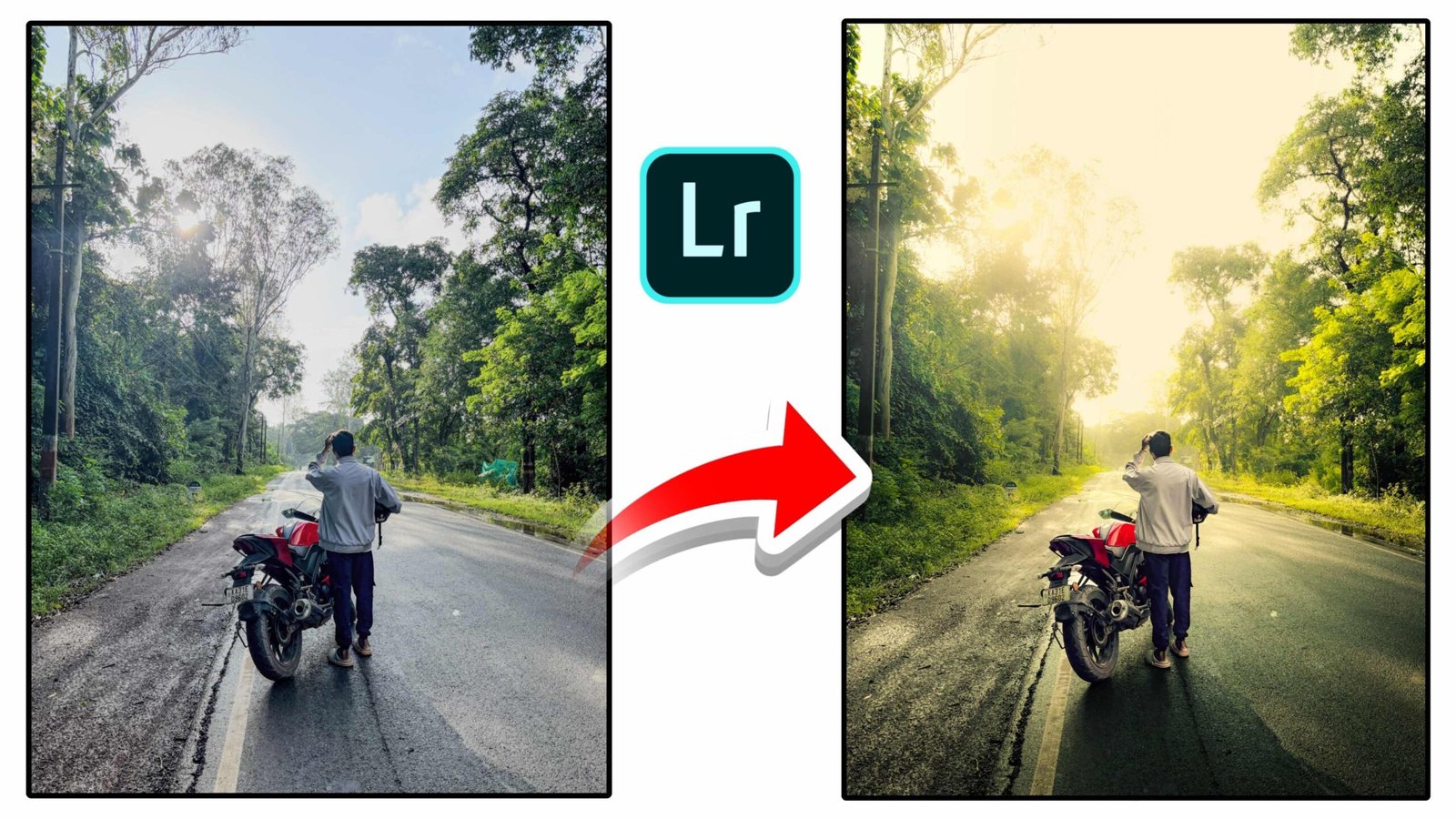
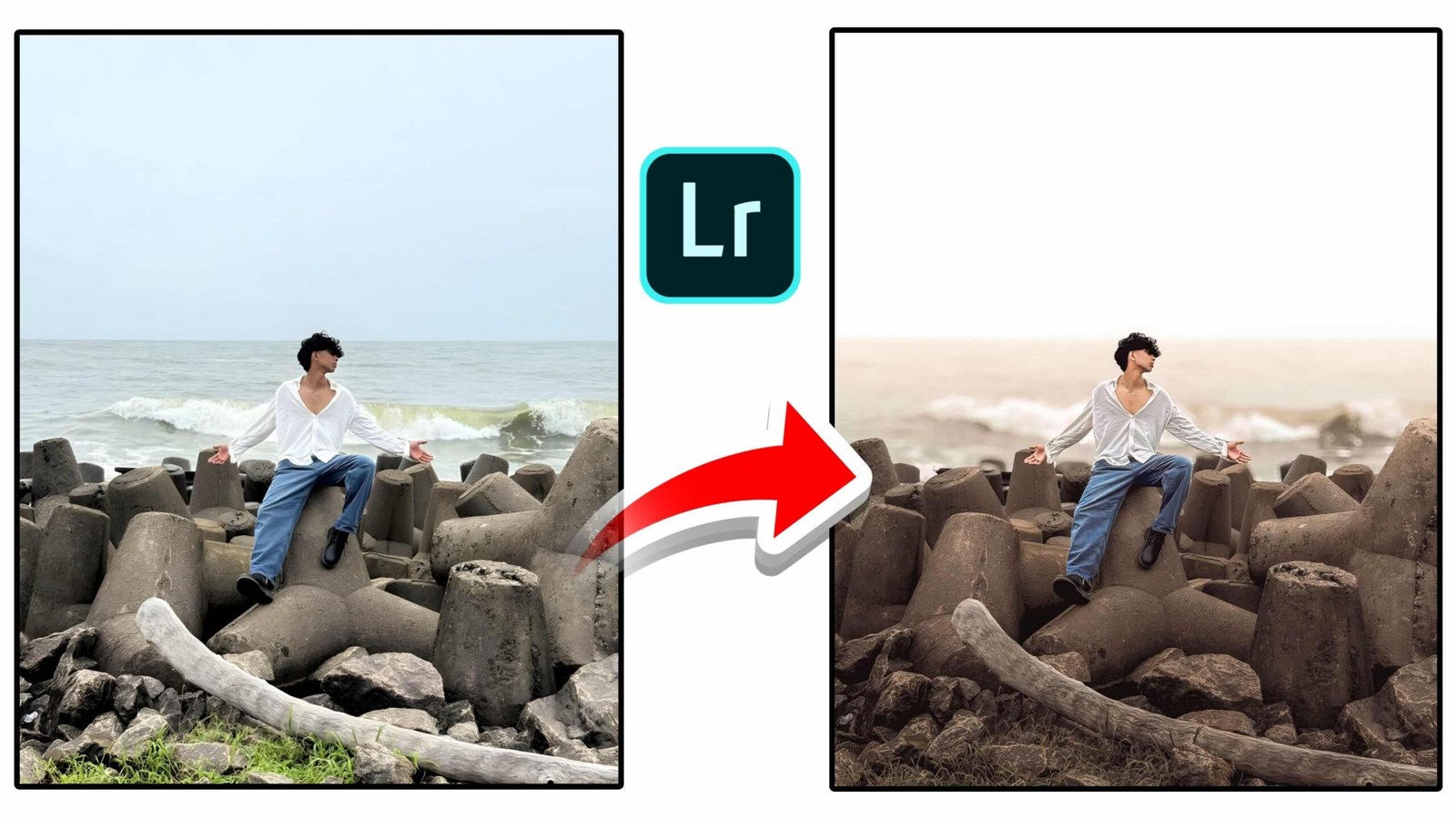
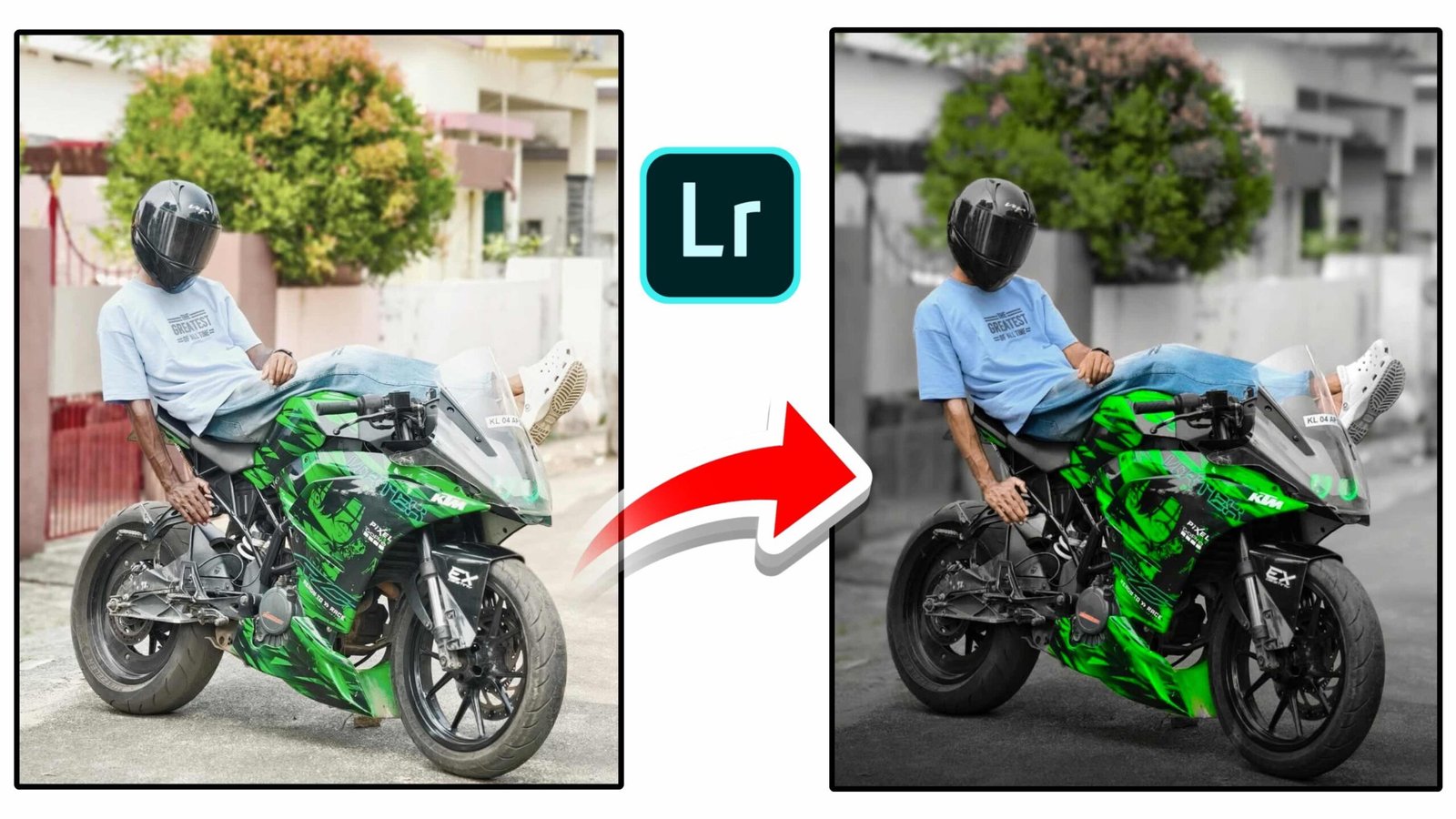
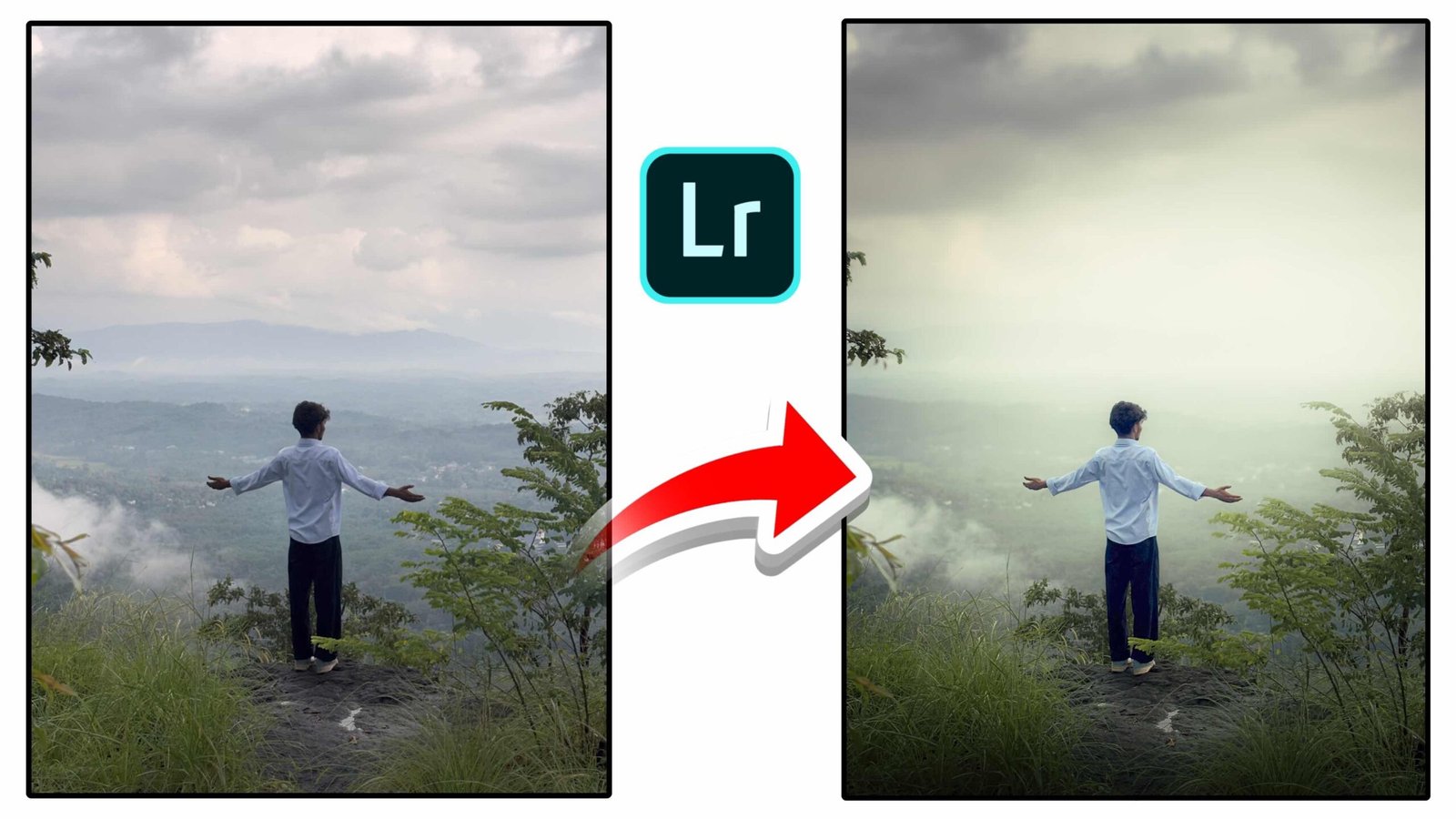
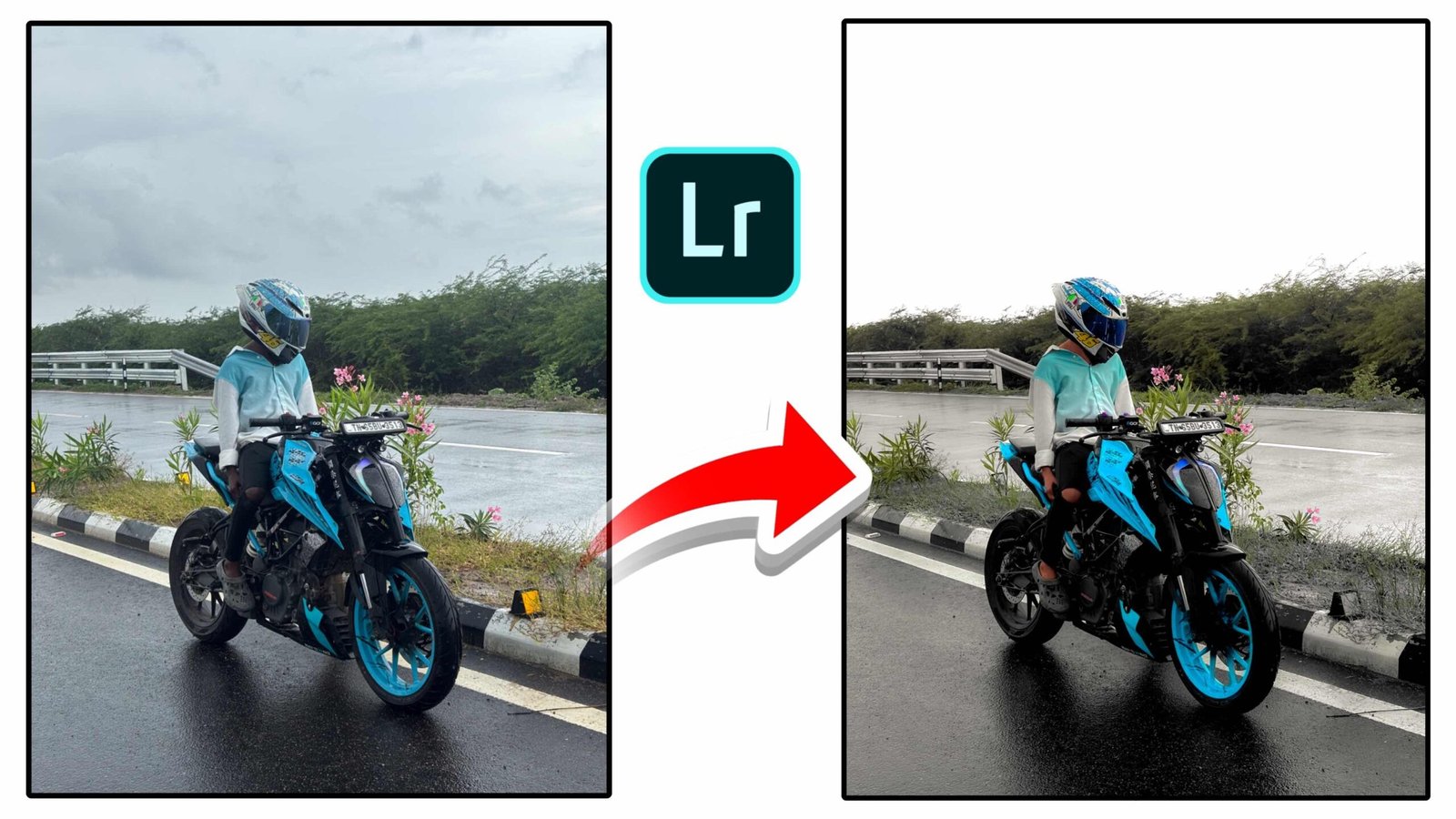
The editing style shown in the image is very popular on social media. In this effect, the main subject such as the rider and motorcycle remains sharp while the background becomes slightly desaturated or blurred. The red flowers are enhanced to become the main highlight of the picture. This creates a dramatic contrast between the subject and the surroundings.
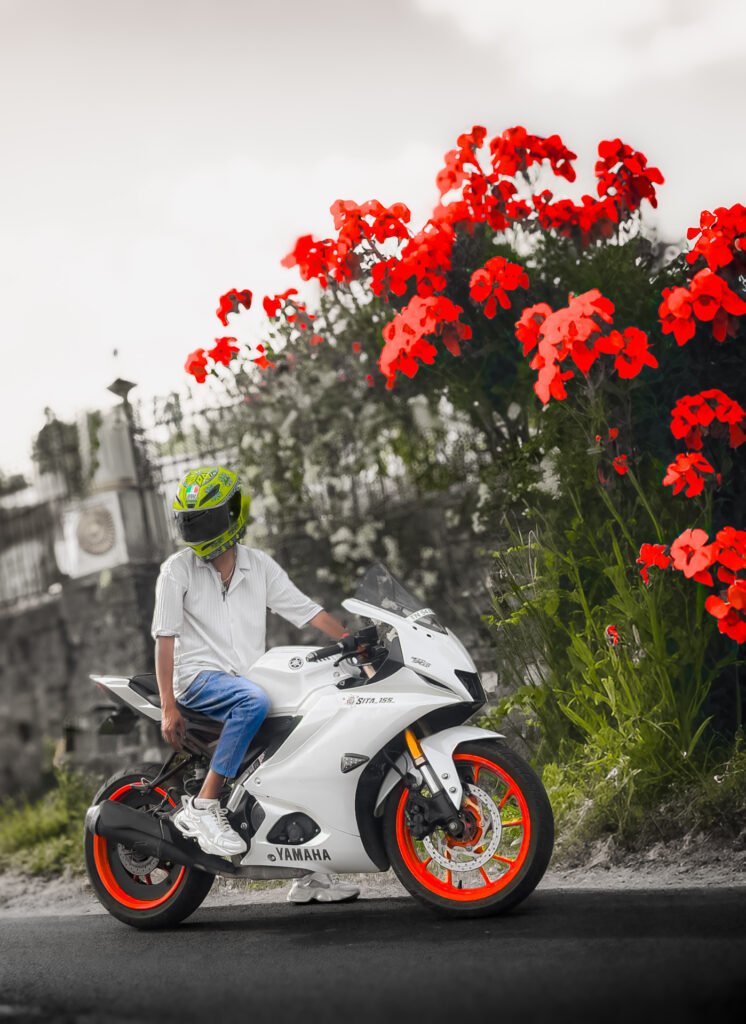
This style works extremely well for outdoor photos, nature shots, travel photography, and lifestyle content. It draws attention to the subject while keeping the composition clean and visually appealing.
Basic Lightroom Editing Steps
To achieve this type of photo edit, start by importing your photo into Lightroom. Adjust the exposure and contrast first to balance the lighting. Increasing contrast slightly can make the subject pop while maintaining natural shadows and highlights.
Next, move to the color panel and increase the saturation and luminance of the red color. This step makes the flowers appear brighter and more vibrant. At the same time, you can reduce the saturation of other colors to create a subtle monochrome background.
Another important tool is the blur or background depth effect. By softening the background slightly, the focus stays on the rider and the motorcycle. This technique is often used in professional photography to create a depth-of-field effect.
Enhancing the Subject
After adjusting the colors and background, focus on enhancing the subject. Increase clarity and sharpness slightly so that the motorcycle and rider look crisp and detailed. You can also add a small amount of texture to improve the overall look of the image.
Lighting adjustments such as highlights and shadows can also help improve the final result. Reducing highlights prevents overexposed areas, while lifting shadows brings out hidden details.
Why This Editing Style is Trending
This editing style has become extremely popular because it creates a cinematic and artistic look without requiring complicated editing skills. Social media creators prefer this technique because it quickly grabs attention and increases engagement.
Images with strong color contrast and depth often perform better on platforms like Instagram reels, YouTube thumbnails, and short videos. The vibrant red flowers combined with a soft background create a visually striking composition that stands out in crowded feeds.
Final Thoughts
Lightroom makes it easy to transform ordinary photos into professional-quality images. By focusing on color contrast, background softness, and subject clarity, you can create stunning edits similar to the example shown above. With practice and experimentation, you can develop your own editing style and produce photos that look cinematic and engaging.
Whether you are a beginner or an experienced photographer, mastering Lightroom editing techniques can significantly improve the quality of your photos. Try experimenting with different color highlights, lighting adjustments, and blur effects to create unique and eye-catching images.